
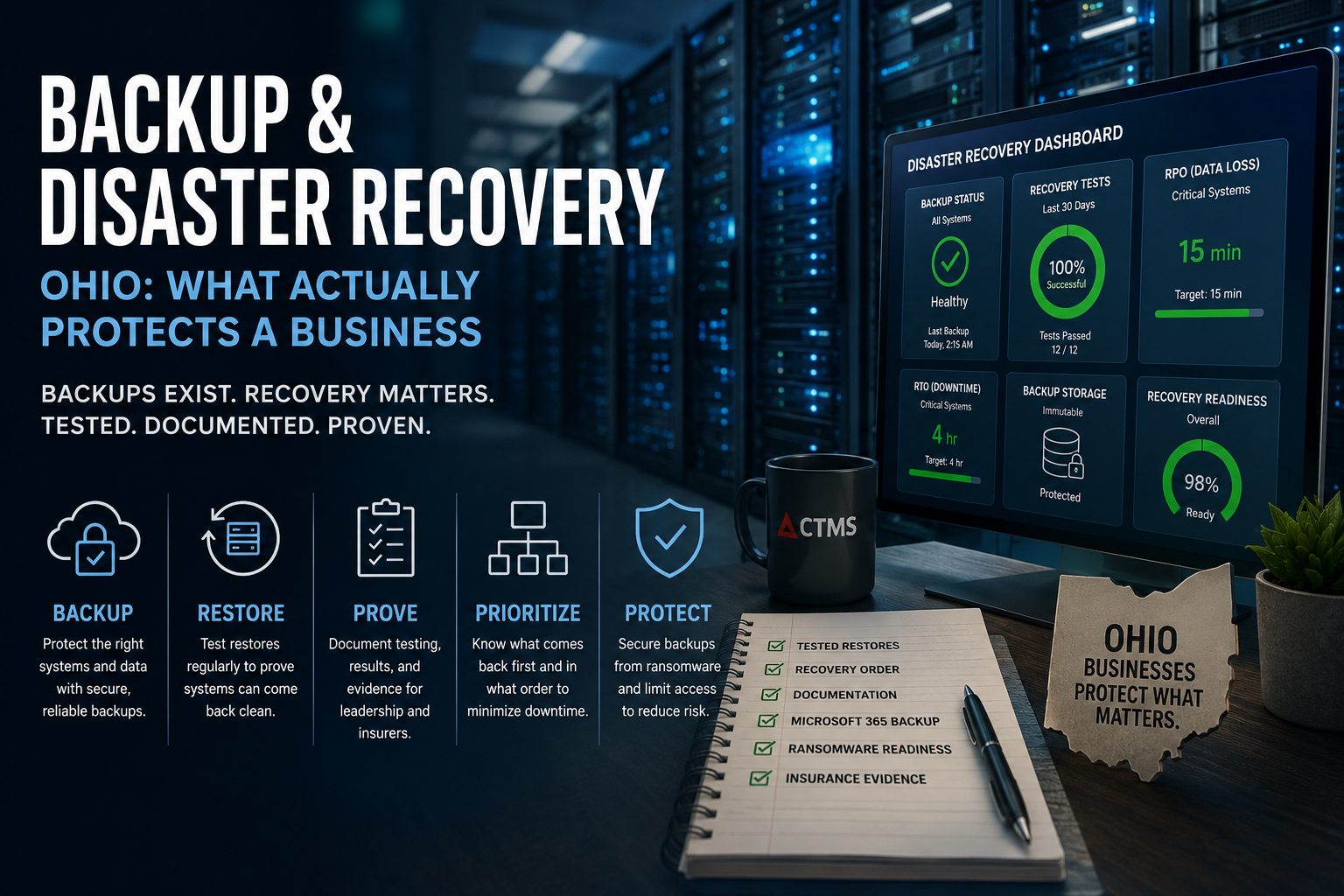
The backup report looked clean.
No failed jobs. No warnings. No obvious reason to worry.
Then the business needed to restore.
That was when the real picture showed up.
The files came back, but one database did not. The application opened, but the integration behind it failed. A vendor had changed a configuration months earlier and nobody had documented it. Microsoft 365 files everyone assumed were protected were only covered by native retention, not a separate recovery plan. The server image existed, but nobody knew whether identity, permissions, mapped drives, application licensing, and user access would come back in the right order.
Technically, the business had backups.
Operationally, it did not know whether it could recover.
That is the part most businesses do not discover until the pressure is already on. A ransomware event. A failed server. A corrupted database. A deleted SharePoint library. A vendor outage. A cyber insurance questionnaire asking for proof. A key application that does not come back cleanly.
For many companies, backup and disaster recovery Ohio planning still gets treated like an IT checkbox.
The real question is different:
Can the business recover what matters, in the right order, fast enough to avoid serious operational damage?
The Problem Is Usually Not Missing Backup. It Is Untested Recovery.
Most businesses have something in place.
A cloud backup product. A local appliance. Microsoft 365 retention. A managed IT provider. A nightly status email. A dashboard that shows green.
That does not mean recovery will work.
A backup can complete successfully and still fail the business when it matters. The data may restore, but the application may not run. A server may come back, but authentication may fail. A file share may restore, but permissions may be wrong. A database may be available, but the dependent service may still be broken. A backup chain may exist, but the clean restore point may be older than anyone expected.
This is why backup and continuity should not be judged only by whether backup jobs run.
It should be judged by whether restore has been tested, documented, prioritized, and connected to the way the business actually operates.
The weak standard is:
“We have backups.”
The stronger standard is:
“We know what we can restore, how long it takes, what depends on it, and what still needs work.”
Backup, Disaster Recovery, and Business Continuity Are Different Jobs
The definitions matter, but only because the confusion creates risk.
Backup is the copy of data.
Disaster recovery is the process for restoring systems, applications, data, identity, access, and infrastructure after a disruption.
Business continuity is the wider plan for how the organization keeps operating while recovery is happening.
A company can have backup without disaster recovery. It can have disaster recovery software without a tested recovery process. It can have a written continuity plan that has never been used, challenged, or updated.
That is where the real exposure sits.
A backup answers, “Do we have a copy?”
Disaster recovery answers, “Can we bring the technology back?”
Business continuity answers, “Can the business keep functioning while this is happening?”
Those are not the same question.
RTO and RPO Are Business Decisions, Not IT Jargon
RTO and RPO sound technical, but leadership has to own them.
RTO means Recovery Time Objective. In plain English, it means how long a system can be down before the damage becomes unacceptable.
RPO means Recovery Point Objective. In plain English, it means how much data the business can afford to lose, measured in time.
Those answers are not the same for every system.
A law firm may be able to tolerate a short outage in one internal system, but not two days without email, client files, or case documents.
A manufacturer may be able to work around a temporary file access issue, but not extended downtime in ERP, scheduling, inventory, or production systems.
A dealership needs customer data, finance workflows, vendor systems, service scheduling, and compliance-sensitive records available to keep daily operations moving.
A healthcare office needs scheduling, patient records, communications, and billing access restored quickly enough to keep care and operations moving.
These are not just IT settings. They are business tolerance decisions.
That is why recovery planning belongs in the same conversation as vCIO and IT consulting. The technical plan has to reflect what the business can actually tolerate.
What a Real Restore Test Should Prove
A restore test is not just someone clicking “restore” on a file and calling it done.
A useful test proves whether the recovered system can actually support the business.
At a minimum, a restore test should answer:
Can the selected data be restored?
Can the application open after the restore?
Are the required services, databases, permissions, integrations, and dependencies available?
Can users access what they need?
Is the restore point clean?
How long did the restore take?
Was any data missing?
What failed?
Who documented the result?
What needs to be corrected?
Different restore tests prove different things.
A file restore proves that a file can come back.
A mailbox restore proves that email data can be recovered.
A SharePoint or OneDrive restore proves something different.
A database restore proves something different again.
A server image restore proves more, but still may not prove the full business workflow.
A full recovery simulation is stronger because it tests the sequence, dependencies, access, timing, and documentation together.
The problem is that many businesses stop at the easiest test and assume the hardest recovery will work.
That is the dangerous leap.
Where Restores Usually Break
Failed recovery is rarely one dramatic moment. It is usually a chain of smaller misses.
The backup covered the server, but not the cloud application data.
The file came back, but permissions did not.
The database restored, but the application version changed.
The virtual machine booted, but DNS, identity, or network access was not ready.
The vendor needed to be involved, but nobody had the right contact or support path.
The backup was successful, but the last clean restore point was older than expected.
The Microsoft 365 data existed inside the platform, but there was no separate business-owned backup strategy.
The line-of-business system depended on a mapped drive, service account, integration, or licensing component that nobody had listed in the recovery plan.
In many small and midsize environments, this gets even messier because the technology stack is hybrid.
Part of the business may run in Microsoft 365. Part may run on local servers. Part may run in a hosted application. Part may depend on an old vendor-managed database. Part may sit in a cloud file system. Part may still require VPN, Active Directory, Entra ID, DNS, firewall rules, or specific endpoint configurations.
A green backup report does not prove all of that comes back cleanly.
Only testing does.
Ransomware Changes the Backup Conversation
Ransomware recovery is not as simple as “restore from backup.”
Attackers often look for the recovery path before the business even knows there is an active incident. They may hunt for admin credentials, backup consoles, network shares, cloud storage, hypervisors, and anything else that could weaken recovery.
That means backup planning has to account for the blast radius.
Business leaders should know whether backup systems are separated from production risk, whether backup admin access is protected, whether old restore points can be deleted or encrypted, whether immutable storage is in place where appropriate, and whether clean restore points have been tested.
The recovery question is not only:
“Do we have backups?”
It is:
“If an attacker compromises part of our environment, can they also compromise our ability to recover?”
That is why recovery planning connects directly to cybersecurity services and ransomware protection for Ohio businesses.
Backup protects data.
Cybersecurity helps protect the recovery path.
Disaster recovery proves whether the business can come back.
The Microsoft 365 Backup Assumption
A lot of businesses now run through Microsoft 365.
Email in Exchange Online. Files in OneDrive. Department documents in SharePoint. Internal communication in Teams. Shared mailboxes, calendars, contacts, and permissions tied into the same environment.
That creates a dangerous assumption:
“Microsoft has it covered.”
Microsoft provides strong infrastructure, availability, and native retention features. But that is not the same thing as a separate business-owned backup and recovery strategy for Microsoft 365 data.
The business is still responsible for protecting its own data.
That matters when files are deleted, synced ransomware affects cloud data, a SharePoint library is damaged, retention windows expire, permissions expose information, or a departing employee creates a problem before access is fully removed.
A practical Microsoft 365 backup review should ask:
Is Exchange Online backed up?
Are SharePoint sites backed up?
Is OneDrive backed up?
Are Teams files and the related SharePoint data protected?
How long is data retained?
Can a specific mailbox, folder, file, user account, or site be restored?
How fast can that happen?
Who owns the process?
When was it last tested?
That is why Microsoft 365 governance and Microsoft 365 security management belong in the same conversation as backup and disaster recovery.
Microsoft 365 is not just a productivity platform.
It is where a large part of the business now lives.
Recovery Order Matters More Than Most Businesses Realize
Even when data can be restored, the order matters.
Identity may need to come back before users can access anything. Network access may need to be restored before applications are reachable. Databases may need to be online before the software that depends on them can function. File shares need permissions restored, not just files copied back. Security tools may need to be active before systems are trusted again. Vendors may need to be contacted in a specific sequence.
Without a recovery order, the business is making priority decisions during the crisis.
That creates avoidable confusion.
A practical recovery runbook should document:
Critical systems
System dependencies
Recovery sequence
Business owner for each system
Vendor contacts
Expected recovery time
Expected recovery point
Escalation process
Communication plan
Known workarounds
Prior restore test results
The point is not to create a giant binder nobody uses.
The point is to remove guesswork when time matters.
Cyber Insurance Is Asking for Evidence, Not Assumptions
Cyber insurance has changed the backup conversation.
Requirements vary by carrier, policy, renewal year, industry, and risk profile. No company should assume every insurer will ask the same questions.
But the direction is clear: businesses are being asked for more evidence.
That can include proof that backups exist, evidence that restores have been tested, documentation of protected or immutable backup storage, MFA on administrative accounts, endpoint protection, incident response planning, recovery expectations, and written security policies.
The issue is not always that the controls are missing.
Sometimes the problem is that nobody can prove them quickly.
A business may say, “Our IT provider handles that,” but when an insurance questionnaire asks for documentation, screenshots, test logs, or policy details, vague confidence is not enough.
Cyber insurance readiness is not just about having tools.
It is about showing that recovery controls exist, get tested, and are maintained.
Ohio Businesses Have More Than an IT Reason to Care
For Ohio businesses, backup and disaster recovery can connect to legal, compliance, insurance, and client trust concerns.
Ohio’s Data Protection Act created an affirmative legal defense opportunity for organizations that maintain a written cybersecurity program aligned with recognized frameworks. That is not immunity, and it is not legal advice. But it does reinforce the value of documented, structured cybersecurity and recovery effort.
Ohio breach notification responsibilities can also become harder when the business does not know what happened, what data was affected, what systems were restored, or what evidence exists.
The industry context matters too.
Law firms have client confidentiality, case continuity, document access, and reputational risk.
Healthcare organizations have patient access, scheduling, records, communications, and regulatory expectations.
Manufacturers have ERP, production, scheduling, inventory, and vendor dependencies.
Dealerships have customer records, finance workflows, service scheduling, vendor systems, and compliance-sensitive data.
Financial services firms have stronger expectations around data protection, availability, access control, and documentation.
For these organizations, backup and disaster recovery is not just a technical issue.
It is an operational trust issue.
What to Ask Before You Trust the Backup
You do not need to become a backup engineer to ask better questions.
You need clearer evidence.
Start here:
What systems and data are included in backup?
What is not included?
Is Microsoft 365 backed up separately?
How often do backups run?
How far back can we restore?
When was the last restore test?
What exactly was restored?
Did the restored system function?
How long did it take?
What failed or needed correction?
Are backups protected from ransomware?
Who has administrative access to backup systems?
Is MFA enforced for backup administration?
Are backups immutable or otherwise protected from deletion where appropriate?
What systems come back first?
Who owns the recovery sequence?
Do we have a written recovery runbook?
Can we produce documentation for cyber insurance?
What would leadership see in the first hour of an incident?
The point is not to catch someone doing something wrong.
The point is to replace assumption with proof.
What a 90-Day Backup and Recovery Review Should Produce
A useful review should not end with vague reassurance.
It should produce clear, practical answers.
Within 90 days, a business should be able to document:
Critical systems and data
What is backed up and what is not
Microsoft 365 backup status
Backup frequency and retention
Restore test results
Recovery time expectations by system
Recovery point expectations by system
Recovery sequence and dependencies
Backup security gaps
Ransomware exposure around backup systems
Cyber insurance evidence gaps
Vendor and application owner list
Recovery runbook
Prioritized correction plan
The best output is not a giant technical report.
It is a clear answer to four questions:
What is protected?
What has actually been restored?
What would fail, take too long, or create confusion?
What needs to be fixed first?
That is the difference between backup monitoring and recovery readiness.
The Standard Is Not Perfection. It Is Proof.
No recovery plan is perfect.
Systems change. Users change. Vendors change. Microsoft 365 settings change. Applications update. Permissions drift. New data gets created. Old assumptions expire.
That is why backup and disaster recovery cannot be treated as a one-time setup.
The practical standard is proof.
Proof that critical systems are covered.
Proof that Microsoft 365 data is understood.
Proof that restores have been tested.
Proof that recovery order is documented.
Proof that backup access is protected.
Proof that cyber insurance evidence can be produced.
Proof that leadership knows what would happen during the first hours of an incident.
If your business already has backup in place but has not tested restore, documented recovery order, reviewed Microsoft 365 coverage, or gathered recovery evidence, the answer is not panic.
The answer is to find out what is actually true.
CTMS helps Ohio businesses evaluate backup and recovery as part of the broader technology environment, including cybersecurity, Microsoft 365, managed IT, business continuity, and documentation. If your business needs a clearer view of what would really happen during recovery, you can contact CTMS to start that conversation.
Written by Dan Stark, CTMS content strategist and SEO writer. Dan helps turn real-world IT, cybersecurity, Microsoft 365, and business technology issues into practical resources for Ohio businesses.
FAQ: Backup and Disaster Recovery Ohio
What is the difference between backup and disaster recovery?
Backup is the copy of data. Disaster recovery is the tested process for restoring systems, applications, data, identity, access, and infrastructure after an incident. A backup helps preserve data. Disaster recovery helps restore operations.
Does Microsoft 365 automatically back up business data?
Microsoft provides infrastructure availability and native retention features, but businesses are still responsible for protecting their own Microsoft 365 data. Many organizations need separate backup for Exchange, OneDrive, SharePoint, and Teams.
What is RTO in plain English?
RTO means Recovery Time Objective. It is how long a system can be down before the impact becomes unacceptable to the business.
What is RPO in plain English?
RPO means Recovery Point Objective. It is how much data the business can afford to lose, measured in time. For example, an RPO of four hours means the business may lose up to four hours of data if recovery is needed.
How often should a business test disaster recovery?
The right schedule depends on business risk, systems, compliance requirements, and tolerance for downtime. Critical systems should be tested regularly, and recovery testing should also happen after major infrastructure, application, vendor, or personnel changes.
Why can backups fail during ransomware recovery?
Backups can fail during ransomware recovery when attackers compromise backup credentials, delete restore points, encrypt accessible backup storage, or leave the business without a clean recovery point. Backup separation, access control, immutability where appropriate, and restore testing help reduce this risk.
What should cyber insurers ask for around backup and recovery?
Cyber insurance requirements vary, but many carriers ask for evidence of backup controls, restore testing, protected backup storage, MFA, endpoint protection, incident response planning, and documentation showing that recovery controls are active.
What should a backup and recovery review include?
A backup and recovery review should include critical system inventory, backup coverage, Microsoft 365 backup status, restore test results, RTO and RPO expectations, recovery sequence, backup security, ransomware exposure, cyber insurance evidence gaps, and a prioritized correction plan.